Ready-made library
Find a validated workbook before you open Excel.
Browse the WorkbookWise template library, preview the workbook shape, then download XLSX files or supported ZIP bundles when it fits your work.
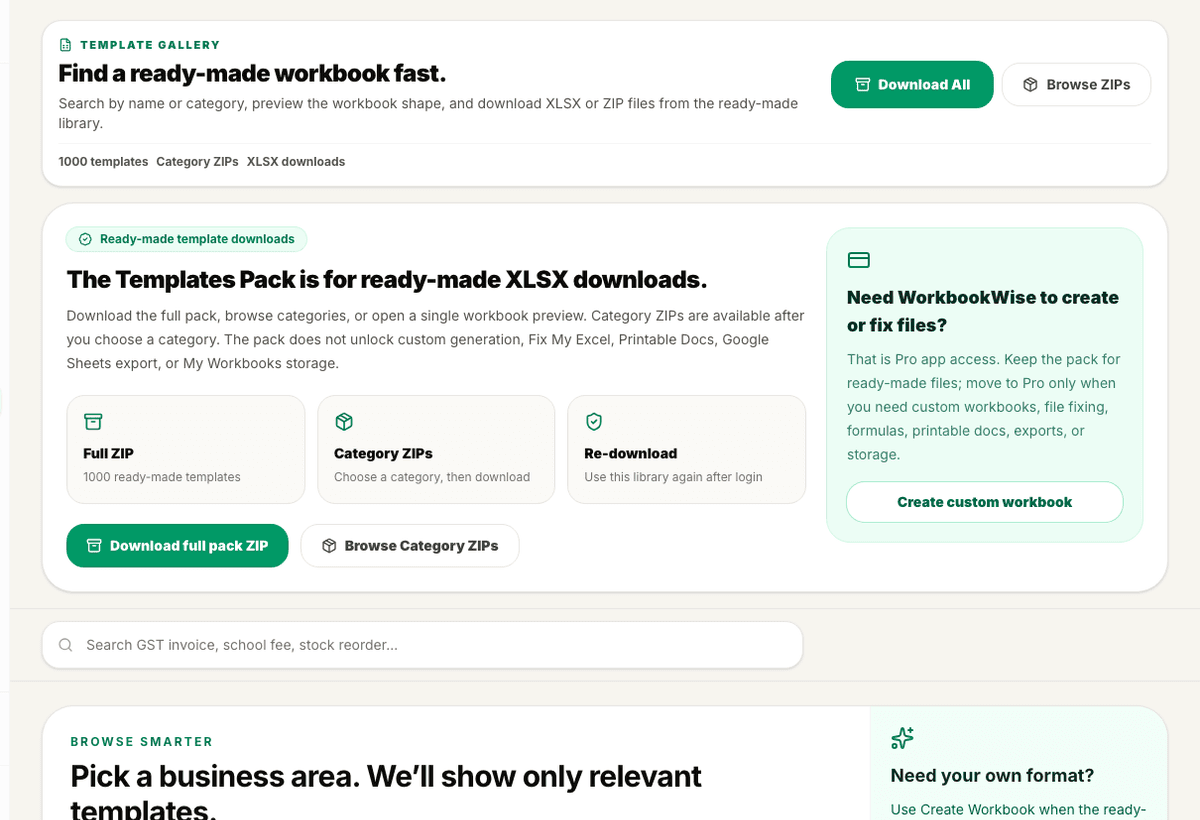
Preview
Template preview
3 sample rows show the shape before users commit.
Validation
Checked output
Final XLSX is validated before release.
Included
6 core areas
Template search and category browsing
Problem
Why this feature exists
Most teams already know the workbook they need, but they lose time rebuilding columns, formulas, dropdowns and print settings. Generic downloads often look useful on the first sheet and then fail when users need Indian tax fields, practical status tracking, or clean summaries.
Approach
How WorkbookWise handles it
WorkbookWise keeps a ready-made template library focused on real Indian business work. Users can browse by category, inspect the workbook shape, and choose a validated XLSX before they commit time to filling data.
Outcomes
What you can accomplish
Who it is for
Built around real workbook owners
Accountants and CAs
GST, TDS, purchase, sales, collections and payroll formats for recurring client work.
Shop owners
Daily sales, stock, supplier payment, invoice and customer due trackers.
Schools and clinics
Fee collection, attendance, billing, receipts and operational registers.
Operations teams
Reusable trackers for vendors, tasks, inventory, expenses and monthly reporting.
Common workflows
Common tasks you can complete
How it works
From input to useful output
Search by job
Type the business task, category or workbook name instead of browsing a long file list.
Inspect the preview
Check sheet names, main columns, formulas, dropdowns and summary sections before downloading.
Choose the format
Download XLSX for Excel or use supported Google Sheets handoff when the workbook shape allows it.
Fill your real data
Replace sample rows with your own entries while keeping formulas and structure in place.
Save useful files
Keep generated or edited workbooks in My Workbooks when you need to return later.
Product example
GST Invoice Tracker Preview
A typical ready-made workbook gives the user a main register, tax columns, status tracking and a summary-ready structure.
Included
What the flow covers
Trust notes
What it does
Core capabilities
Search across validated Indian business workbooks.
Preview sheets, formulas, dropdowns and summaries before download.
Download one workbook or supported category ZIPs based on access.
Move to Use My Data only when an old file should be imported into a selected template.
FAQ
Frequently asked questions
Can I download a workbook without generating anything?
Yes. The template gallery is for users who want a ready-made XLSX first, without going through a custom creation flow.
Are these just blank sheets?
No. Launch templates include structured columns, useful formulas, dropdowns, summaries or help notes depending on the workbook.
Can I use the files in Google Sheets?
Supported workbooks can be opened or copied to Google Sheets. XLSX download remains the stable download path.
Can I change the workbook after download?
Yes. The output is an Excel workbook, so users can edit columns, labels and formulas as needed.
Why use a template instead of custom creation?
Use the library when the job is common. Use Create Workbook when your format needs custom fields or a different workflow.
What if I already have old data?
Use My Data is the separate Pro path for importing an existing Excel or CSV file into a selected ready-made template.
Related features
Continue exploring WorkbookWise
Use My Data
Choose a validated template first, upload an existing Excel or CSV file, confirm the column mapping, preview the upgraded workbook, and save the final XLSX.
Capture To Excel
Paste business text, upload an invoice image, or upload a PDF bill. WorkbookWise extracts structured rows, flags uncertain values, and lets users download or save reviewed Excel output.
Business Packs
Business packs group related templates for shops, clinics, schools, restaurants, freelancers and operations teams so users do not search file by file.
Related Excel formats
Start from a matching free workbook
GST and invoices
GST invoice format in Excel
Use this GST invoice format as an invoice register for tracking tax invoice details, GST values and payment follow-up. It is not a final printable invoice layout by itself.
HR and payroll
salary slip format in Excel
Use this salary slip format when payroll is still prepared in Excel and the team needs a clearer monthly structure before payslip generation or accountant review.
Inventory and stock
stock register format in Excel
Use this stock register format when inventory needs to stay in Excel but the team needs clearer item, supplier, stock and reorder fields.
Education
school fee collection format in Excel
Use this school fee collection format in Excel when schools, tuition centres and coaching institutes need a clean workbook for student fees, paid amount, balance, receipt number and follow-up before review, sharing, filing or monthly reporting.
Ready to use Template Gallery?
This page explains the workflow in detail. The app is where the user creates, downloads, saves or exports the workbook.