Create an Excel workbook
Describe your requirements and create a custom workbook for sales, stock, payments, attendance or office work.
Create workbook
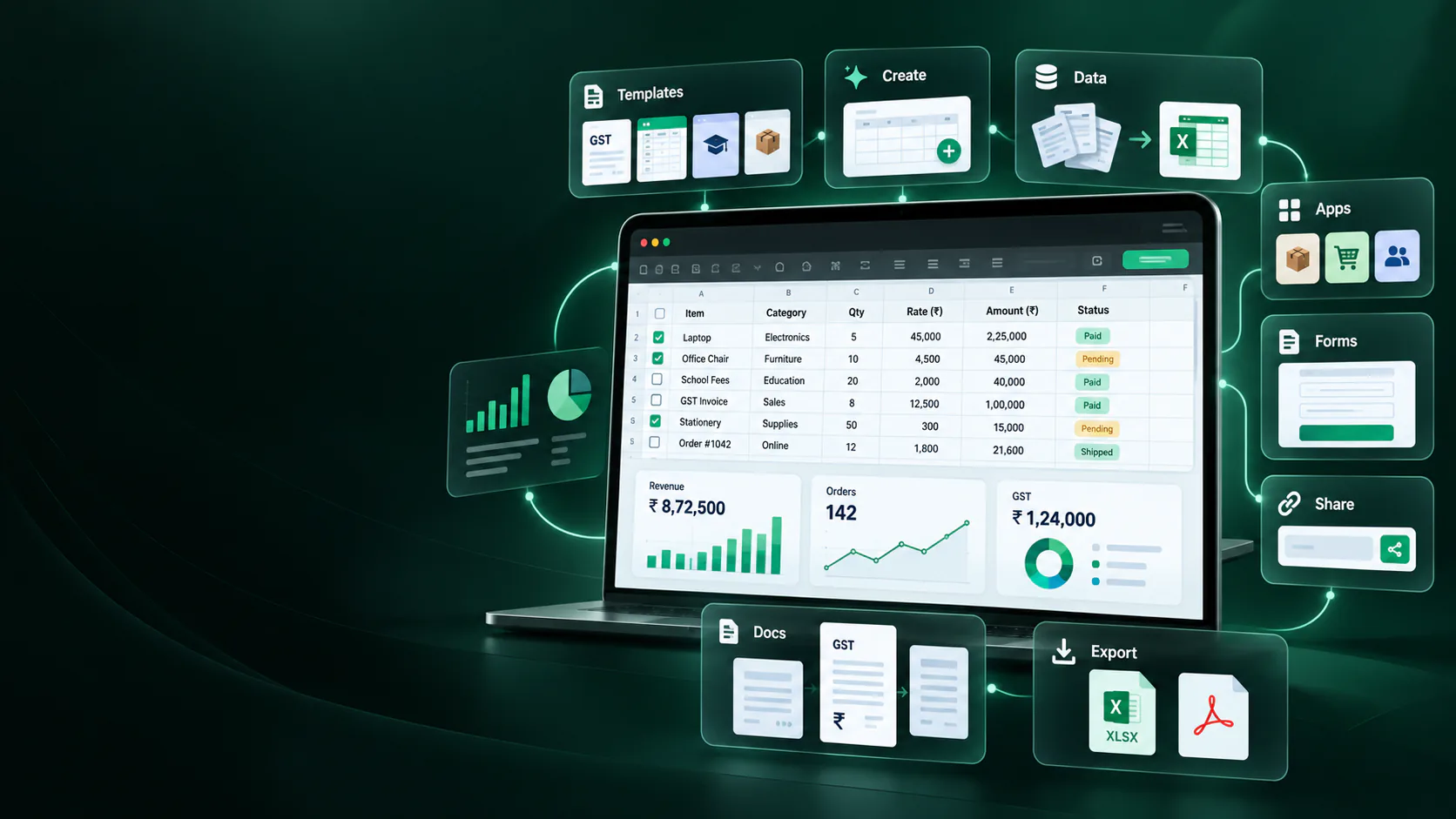
Stop rebuilding spreadsheets from scratch. Create custom Excel files, clean existing workbooks, convert business information into structured rows, and download ready-to-use XLSX formats.
3 jobs to start with
Pick a common Indian business job, review the workbook shape, then export a clean Excel file when it is useful.
Regional output
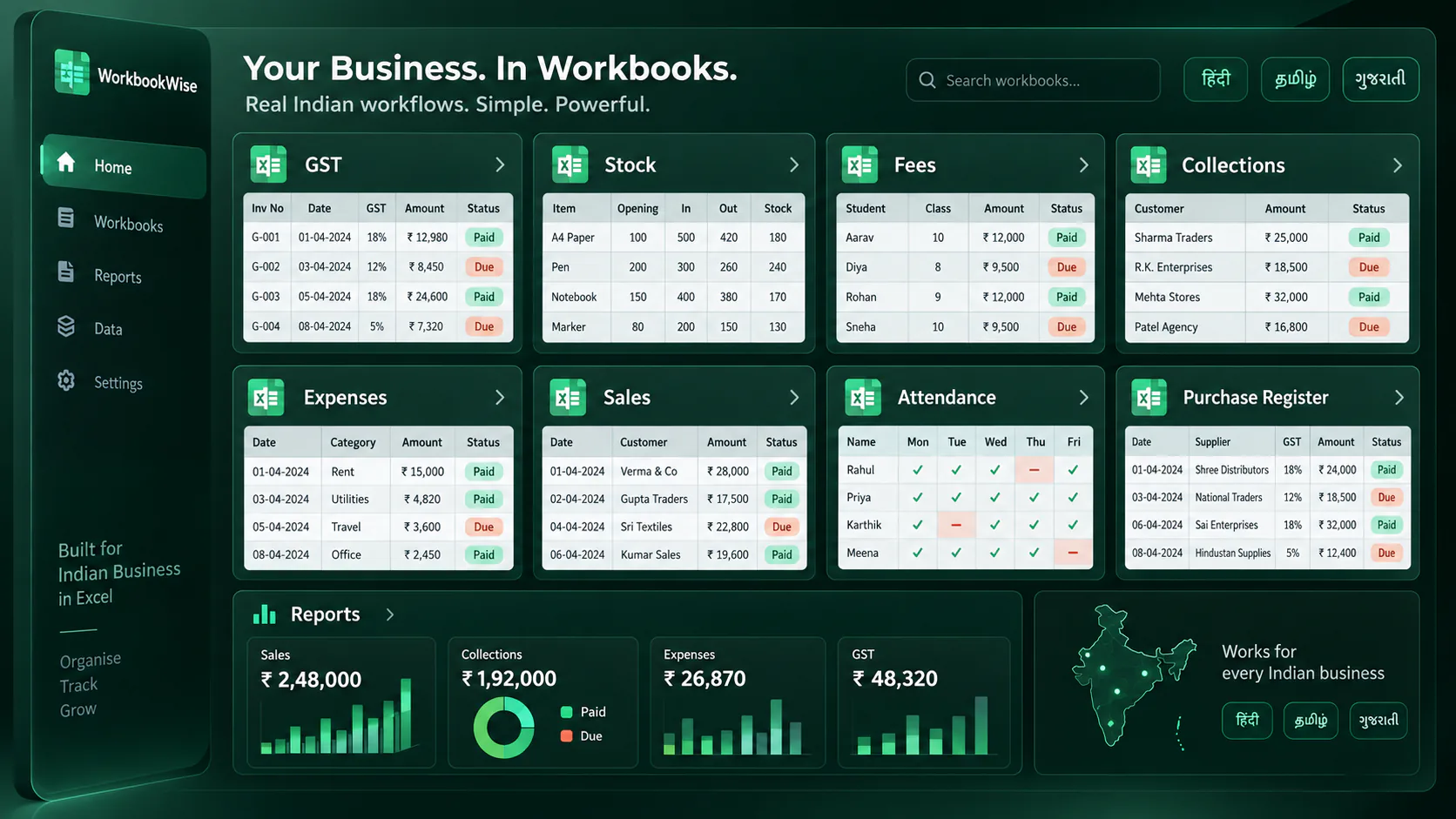
WorkbookWise supports English, Hindi, Tamil, Telugu, Marathi, Kannada, Malayalam, Gujarati and Bengali workbook browsing and output paths.
| English | Hindi | Tamil | Telugu |
|---|---|---|---|
| Customer Name | ग्राहक का नाम | வாடிக்கையாளர் பெயர் | గ్రాహకుని పేరు |
| Payment Status | भुगतान स्थिति | கட்டண நிலை | చెల్లింపు స్థితి |
| Due Amount | बकाया राशि | நிலுவை தொகை | బకాయి మొత్తం |
| Follow-up Date | फॉलो-अप तारीख | தொடர்பு தேதி | ఫాలో-అప్ తేదీ |
Popular formats
Start from a practical workbook page, then move into templates, cleanup or custom workbook creation when needed.
GST invoice format
Tax invoice rows, GST split and totals
Open formatSalary slip format
Earnings, deductions and net pay
Open formatQuotation format
Products, rates, tax and terms
Open formatStock register format
Opening, inward, outward and closing stock
Open formatPurchase register format
Vendor bills, GST and payment status
Open formatDaily sales report
Sales, cash, UPI and summaries
Open formatSchool fee collection format
School and coaching fee collections
Open formatPayment follow-up format
Customer dues, ageing and reminders
Open formatAttendance sheet format
Staff, student and monthly registers
Open formatInventory count format
Physical count, variance and adjustment notes
Open formatWhatsApp order tracker
Message orders to reviewed rows
Open formatExpense tracker format
Bills, categories and monthly totals
Open format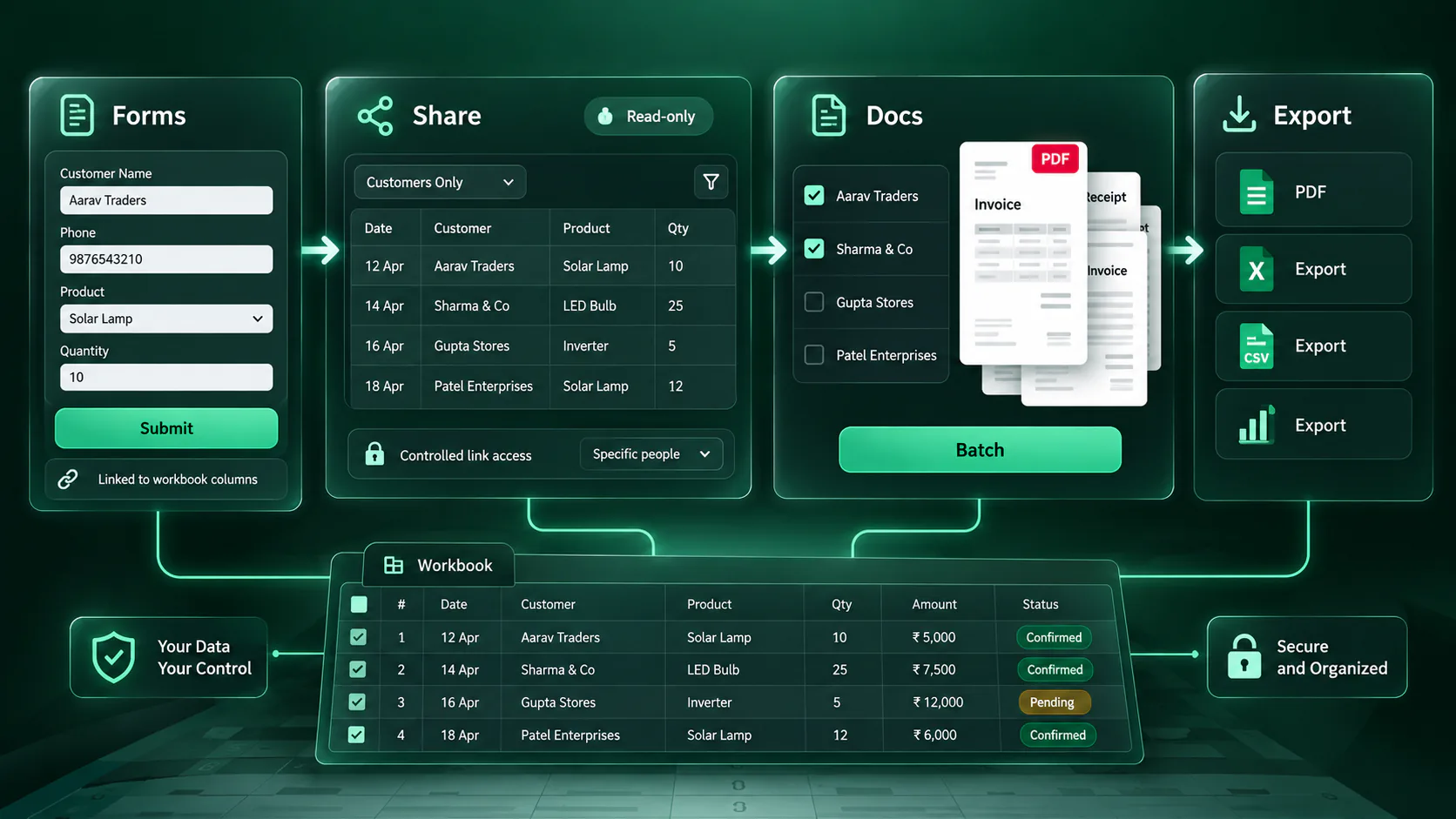
When you outgrow Excel
Some processes need more than a file. Business plans add controlled apps, forms, shared views and document batches after the workbook is ready.
List, detail, dashboard and saved-view pages for office records.
Collect updates or new rows from staff, vendors or customers without sharing the full workbook.
Publish selected columns and filtered read-only views for customers, branches or teams.
Turn selected rows into reviewed PDFs or ZIP outputs when the workflow needs documents.
Pricing
Choose ready-made files, low monthly usage, custom workbook productivity or business workflows.
Free
₹0
Free calculators, previews and small monthly trials.
Starter
₹399/month
Custom workbooks, file cleanup, Capture to Excel and formulas.
1000 Templates Pack
₹499 one-time
Download the ready-made templates pack once.
Final XLSX files, mappings, dropdowns and previews are checked because users judge WorkbookWise by the file they open.
More Excel tools
Move from a simple XLSX file to cleanup, formulas, printable output, Google Sheets export or regional workbook labels when the task needs it.
FAQ
Simple answers about templates, uploads, business workflows and regional output.
WorkbookWise helps Indian small businesses, accountants, schools, clinics and traders create clean Excel workbooks for orders, dues, stock, GST, fees, expenses, salary, attendance and document work.
Yes. You can browse the ready-made library, preview a workbook, then download the XLSX. Category ZIP and full-library ZIP downloads are also supported based on access.
Yes. Capture To Excel can turn pasted business text, supported images and readable PDF bills into reviewed rows before workbook output is created.
Yes. Use My Data and Fix My Excel help map, clean or upgrade existing Excel/CSV data before saving or downloading a cleaner workbook.
WorkbookWise supports GST, TDS, invoices, expenses, purchase registers, stock, fees, attendance, salary, collections, MSME tracking, receipts, business packs and more.
Yes. English, Hindi, Tamil, Telugu, Marathi, Kannada, Malayalam, Gujarati and Bengali pages are live, with localized home pages and format browsing.
Yes. Supported ready-made and saved workbooks can be exported to Google Sheets after Google connection.
Use them after the workbook is useful and the process needs controlled list views, data collection, read-only sharing or document batches. These workflows are included in Business plans.
Browse a ready format, create a custom workbook, upgrade an old file, or use a free India calculator.